
Pass Your Splunk Core Certified User Certification Easy!
Splunk Core Certified User Certification Exams Questions & Answers, Accurate & Verified By IT Experts
Instant Download, Free Fast Updates, 99.6% Pass Rate.
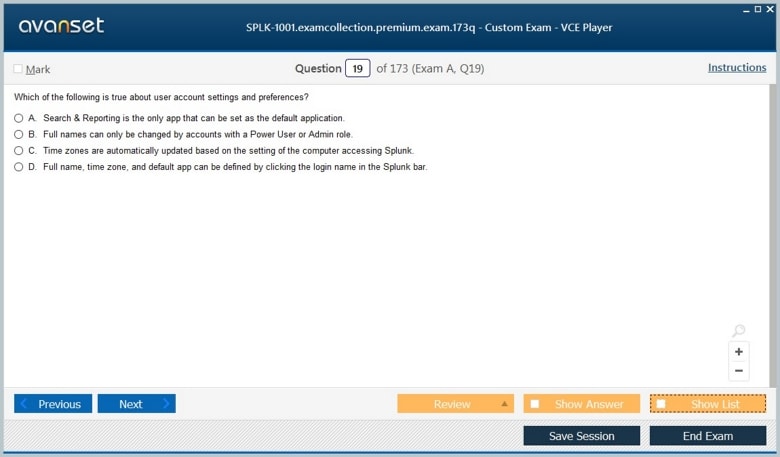
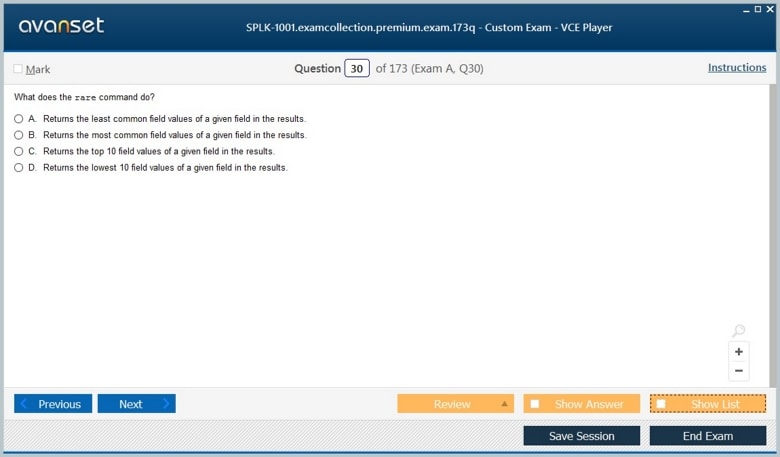
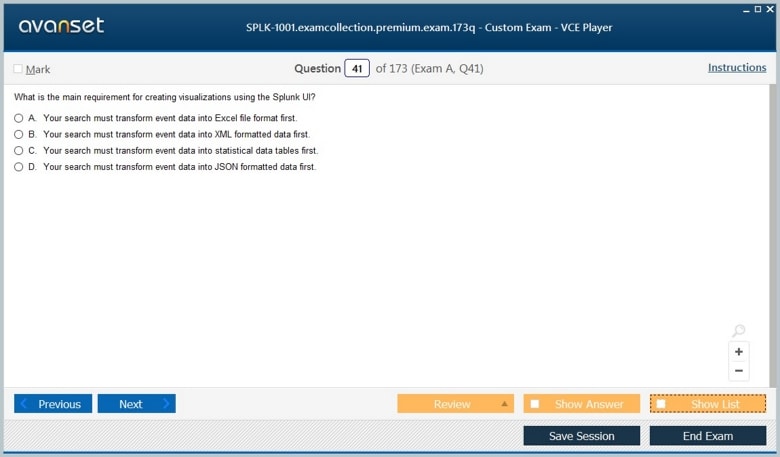
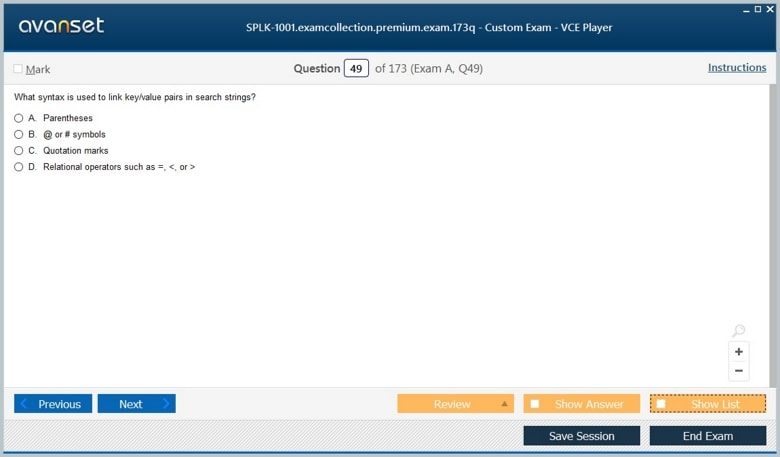
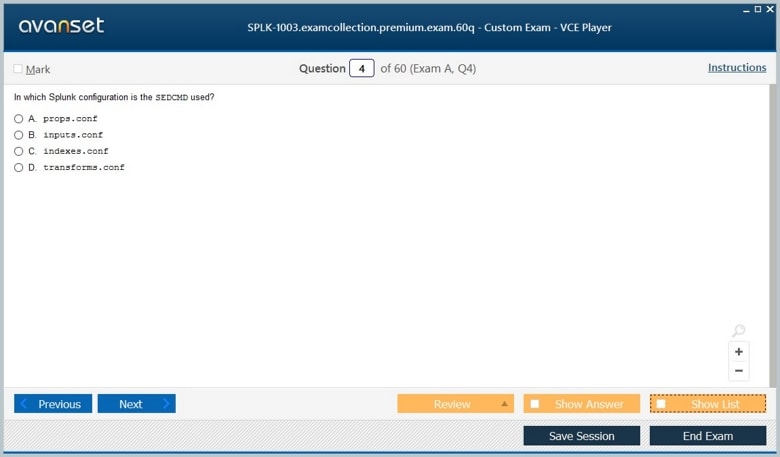
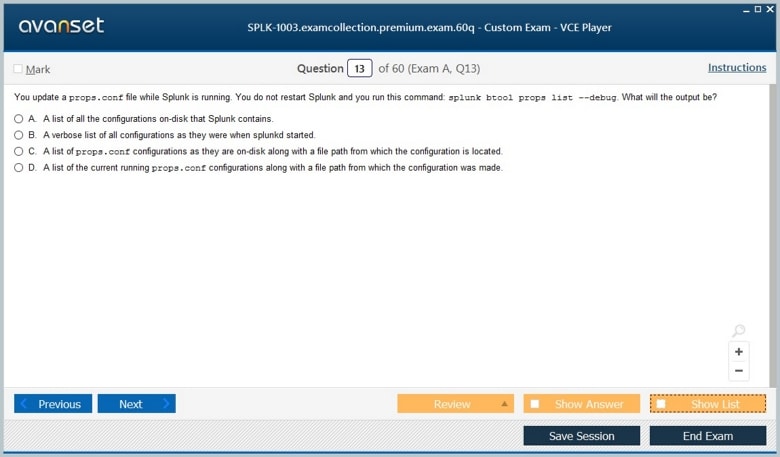
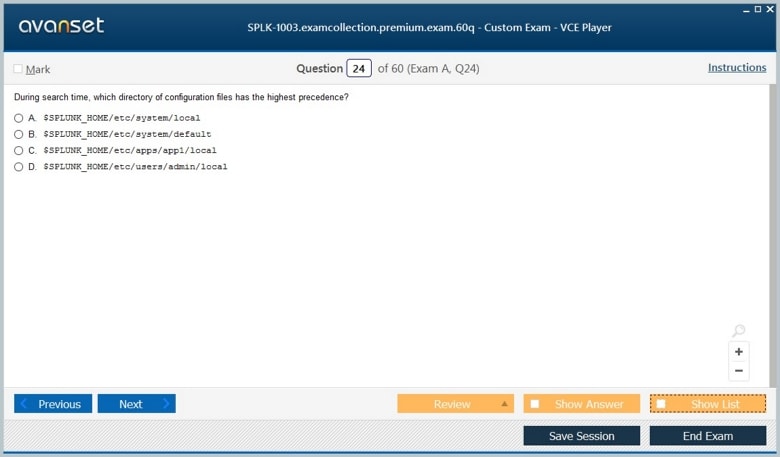
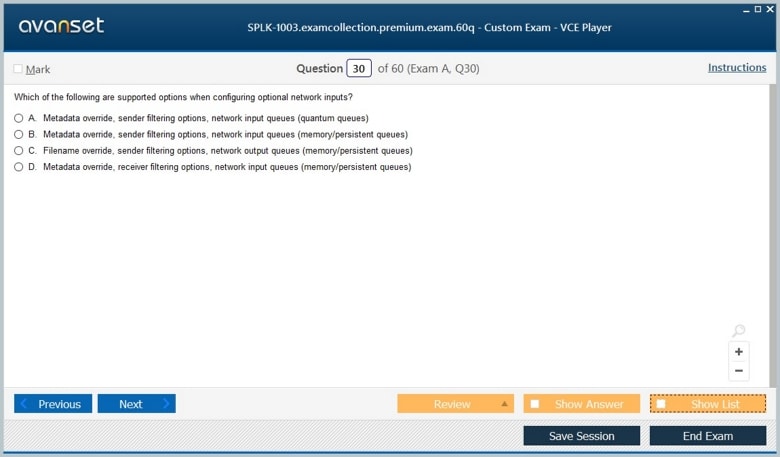
Splunk Core Certified User Certification Exams Screenshots
Splunk Core Certified User Product Reviews
Download Free Splunk Core Certified User Practice Test Questions VCE Files
| Exam | Title | Files |
|---|---|---|
Exam SPLK-1001 |
Title Splunk Core Certified User |
Files 7 |
Exam SPLK-1003 |
Title Splunk Enterprise Certified Admin |
Files 6 |
Splunk Core Certified User Certification Exam Dumps & Practice Test Questions
Prepare with top-notch Splunk Core Certified User certification practice test questions and answers, vce exam dumps, study guide, video training course from ExamCollection. All Splunk Core Certified User certification exam dumps & practice test questions and answers are uploaded by users who have passed the exam themselves and formatted them into vce file format.
Splunk Core Certified User: Building Search Fluency from Raw Events
Splunk Core Certified User is the optional entry point to Splunk’s certification program. Splunk currently positions it for candidates with little or no prior platform experience and lists no prerequisite, a 60-minute exam, and 60 multiple-choice questions. The credential is deliberately practical: search data, work with fields and lookups, create alerts, build basic statistical reports, and assemble dashboards in Splunk Enterprise or Splunk Cloud.
That scope makes the certification useful for analysts, support staff, operations professionals, and career changers who need to turn machine data into answers without first becoming platform administrators. The next certification, Splunk Core Certified Power User, goes further into transforming commands, correlation, knowledge objects, and data models. Core User should therefore be studied as the foundation that makes those later abstractions understandable.
The best preparation is a repeated loop: look at raw events, form a question, write the smallest useful search, inspect the result, refine the time range and fields, and turn the answer into something another person could read. This builds an operational feel for Splunk that cannot be replaced by memorizing screenshots or command definitions.
Start with events, time, and the search bar before trying to learn every command
New Splunk users often assume the platform is primarily a dashboard product. The more durable starting point is the event: timestamp, source, sourcetype, host, raw text, and extracted fields. Learn how the time picker changes the search universe and how a base search narrows indexed data before later commands operate. Use several datasets so you see that the same interface can represent web logs, operating-system events, application telemetry, security records, or business transactions. Ask which metadata fields identify where an event came from and which fields describe what happened inside it. When you can move from a raw event to a precise search question, the rest of the Core User syllabus becomes much easier to organize.
Search terms and Boolean logic should narrow evidence without accidentally excluding the event you need
Core User preparation should include keywords, phrases, field-value searches, Boolean operators, wildcards, comparison operators, and efficient use of time. Start broad enough to confirm the data exists, then add constraints one at a time. If a search returns nothing, remove the most recent condition and inspect actual field values rather than guessing. Pay attention to case behavior, quoting, special characters, and fields that are absent in some events. This creates a troubleshooting habit that matters far beyond the exam. A user who immediately writes a highly specific search may confuse “no result” with “no event,” when the real issue is an incorrect field name, time window, or value format.
Fields turn unstructured event text into dimensions you can filter, compare, and summarize
Splunk extracts fields at search time or uses fields supplied by structured data, allowing users to ask questions such as which host produced the most errors, which status codes increased, or which customer accounts generated a certain event. Learn how to inspect available fields, include or exclude them from results, rename or format output when appropriate, and recognize that field presence can vary by sourcetype. A field is useful because it gives the event a consistent attribute that can be filtered or aggregated. Build searches that move from raw text to field-based reasoning, then verify a few underlying events so you know the field means what you think it means.
Lookups add business meaning that may not exist in the original machine data
Operational data often contains codes, identifiers, IP addresses, product IDs, or account keys that are not meaningful to a reader. Lookups can enrich those events with names, owners, regions, categories, or other context. Core User candidates should understand the basic purpose of a lookup and how enrichment changes the questions a search can answer. For example, a raw web event may contain a customer ID; a lookup can add customer tier, allowing a report to compare error rates for premium and standard accounts. Practice with a small CSV-style mapping and inspect what happens when a lookup key does not match. That teaches the difference between “field missing in source data” and “enrichment not found,” an important diagnostic distinction.
Basic statistics are how a search becomes a report rather than a pile of matching events
Commands and interface features that count, group, sort, and summarize results are central to useful Splunk work. A Core User should be comfortable moving from “show me all failed requests” to “count failures by service,” “show the trend over time,” or “list the top affected hosts.” The analytical question should determine the aggregation. Counting events by host answers a different question from calculating average response time by host. Always confirm that the field being summarized has the right type and meaning. Then drill back to raw events when the aggregate looks surprising. This pattern—summarize, notice, investigate—is one of the most practical habits a new Splunk user can develop.
Reports and dashboards should preserve the question that created them
Saving a search as a report or adding it to a dashboard creates reusable content, but reuse is only valuable if the title, time behavior, and visualization communicate the original purpose. A panel named “Errors” is weak; “Checkout errors by service over the last 24 hours” tells a reader what decision the panel supports. Core User study should include basic visualization choices and dashboard assembly, but avoid learning charts as decoration. Time series belong in a form that shows change over time; category comparisons need a view that supports comparison; detailed records may be better left as a table. The broader approach to learning Splunk efficiently is strongest when every saved object remains connected to a clear question.
Alerts convert a search condition into a monitoring behavior
An alert is not just a saved search with an email attached. It has a schedule or trigger, a condition, a time window, and an action. If those elements are poorly chosen, the result can be noise, missed incidents, or duplicate notifications. Build simple alert scenarios and ask what exactly should trigger. A single error may be normal, while an unusual rate or sustained condition may deserve attention. Consider whether the search window overlaps between runs and whether late-arriving data matters. Core User-level alerting does not require deep administration, but it should teach that monitoring logic needs the same clarity as analytical logic: define the condition and the response before automating it.
Core User and Power User differ most in how much reusable structure you are expected to build
At Core User level, you should be able to search, enrich, summarize, save, alert, and visualize. Power User adds deeper command behavior, event correlation, field manipulation, event types, tags, macros, data models, and normalization. Keeping that boundary clear prevents overstudying and also helps you recognize when a problem belongs to the next level. If your work repeatedly uses the same complex field logic, that is a hint that reusable knowledge objects may be appropriate. If your role is primarily running and interpreting searches, Core User skills may be sufficient for now. Splunk certifications let you choose depth based on actual responsibilities instead of collecting credentials out of sequence.
A strong study plan uses short daily labs and explains every result in plain language
Because the current exam is 60 questions in 60 minutes, recognition speed matters. Build that speed by doing, not by racing through flashcards. Spend one session on search and time, another on fields and lookups, another on statistics, another on reports and dashboards, and another on alerts. At the end of each search, write one sentence describing the input events, the transformation, and the output. When a question is wrong, reproduce the concept in Splunk rather than merely memorizing the correction. The path toward stronger Splunk expertise is cumulative: foundational search habits become the base for Power User, administration, security, and architecture work.
Core User is valuable because it establishes a disciplined relationship with data. You learn to verify the time range, inspect raw events, use fields to narrow meaning, enrich with lookups, summarize with basic statistics, and preserve useful answers in reports, dashboards, and alerts. Those are small skills individually, but together they form a reliable investigation workflow.
Treat the certification as a platform-literacy milestone rather than an endpoint. When you can explain where the events came from, why the search matched them, what each field represents, and how the result supports a decision, you are ready for the exam—and you also have the foundation needed to become a more capable Power User or specialist later.
Search context also deserves deliberate practice. A result can change because of the selected app, time range, permissions, index scope, or the fields that happen to be extracted for a particular sourcetype. When two users get different answers, do not assume one search is wrong. Compare context first. This habit keeps beginners from treating Splunk as a black box and prepares them for later work with shared knowledge and role-based access, where the same SPL can behave differently because the surrounding objects or permissions are different.
ExamCollection provides the complete prep materials in vce files format which include Splunk Core Certified User certification exam dumps, practice test questions and answers, video training course and study guide which help the exam candidates to pass the exams quickly. Fast updates to Splunk Core Certified User certification exam dumps, practice test questions and accurate answers vce verified by industry experts are taken from the latest pool of questions.


Splunk Splunk Core Certified User Video Courses


Top Splunk Certifications

Top Splunk Certification Exams
Site Search:



