



Premium File
60 Q&A
$76.99$69.99
VMware 5V0-61.19 Exam Questions & Answers, Accurate & Verified By IT Experts
Instant Download, Free Fast Updates, 99.6% Pass Rate
60 Questions & Answers
Last Update: Sep 18, 2026
$69.99
VMware 5V0-61.19 Exam Screenshots
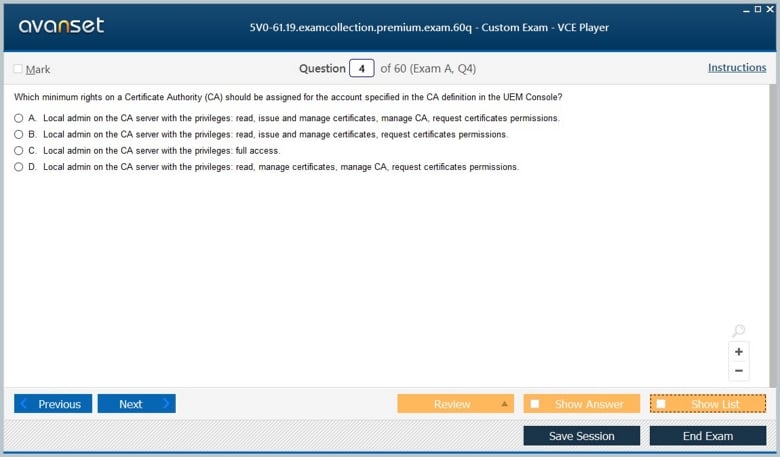
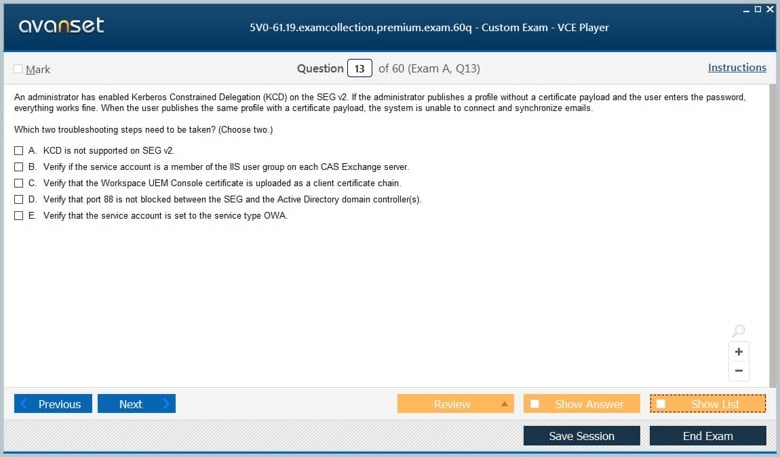
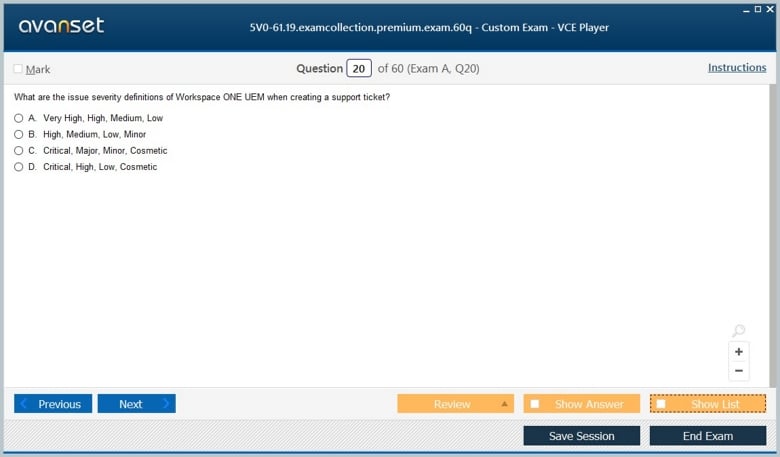
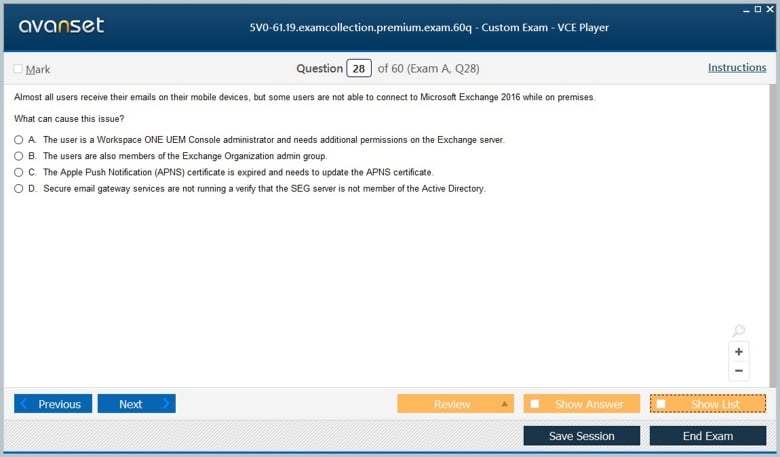
VMware 5V0-61.19 Practice Test Questions in VCE Format
| File | Votes | Size | Date |
|---|---|---|---|
File VMware.certkey.5V0-61.19.v2026-07-30.by.isabelle.36q.vce |
Votes 1 |
Size 104.27 KB |
Date Jul 30, 2026 |
File VMware.Test-king.5V0-61.19.v2019-12-29.by.Carl.29q.vce |
Votes 3 |
Size 55.2 KB |
Date Dec 31, 2019 |
VMware 5V0-61.19 Practice Test Questions, Exam Dumps
VMware 5V0-61.19 (Workspace ONE Unified Endpoint Management Specialist) exam dumps vce, practice test questions, study guide & video training course to study and pass quickly and easily. VMware 5V0-61.19 Workspace ONE Unified Endpoint Management Specialist exam dumps & practice test questions and answers. You need avanset vce exam simulator in order to study the VMware 5V0-61.19 certification exam dumps & VMware 5V0-61.19 practice test questions in vce format.
The Workspace ONE Unified Endpoint Management Specialist (5V0-61-19) exam represented an earlier VMware UEM specialist path. Broadcom’s retired-exams record lists it as retired on June 30, 2022. The product lineage later moved out of VMware, and Broadcom notes that End-User Computing exams and credentials stopped being delivered by VMware in July 2024. In 2026, Workspace ONE belongs to Omnissa, whose certification program uses newer administrator and engineer credentials rather than this 2019-era specialist code.
The old exam is still useful as a map of core endpoint-management responsibilities: organizational groups, enrollment, profiles, applications, compliance, certificates, email access, device commands, and console administration. Those tasks evolve as platforms change, but the operational questions remain familiar: how do you establish device trust, apply policy at the correct scope, distribute resources, protect corporate data, and diagnose why one endpoint does not behave like the rest of its assigned group?
Workspace ONE UEM historically used organization groups to structure tenants, business units, regions, or other administrative boundaries. The hierarchy affects inherited settings, administrator roles, smart groups, enrollment context, and resource assignment. A candidate should understand that placing a setting at the wrong level can cause either excessive reach or unexpected gaps.
The design decision should follow ownership and policy. If several subsidiaries share infrastructure but require different compliance rules, application catalogs, or administrators, the hierarchy needs to reflect those differences without duplicating everything. Inherited configuration should be used deliberately, and overrides should be documented. When troubleshooting, always confirm which organization group owns the setting before assuming the console value you are viewing is the value applied to the device.
Enrollment associates a device with a user, ownership model, platform, and management authority. Depending on the deployment, administrators may use directory services, staging, tokens, QR codes, zero-touch programs, or platform-specific automated enrollment. The important concept is that enrollment creates a trusted management relationship and determines what the service can configure or enforce.
Failures should be broken into stages: can the user authenticate, is the device eligible, does the correct enrollment workflow launch, is the management profile installed, and does the device check in afterward? A failure before authentication has a different cause from a device that enrolls but never receives profiles. Treating the whole workflow as one event makes troubleshooting slower.
Profiles deliver settings such as Wi-Fi, VPN, restrictions, certificates, email, passcode requirements, and platform controls. Because iOS, Android, Windows, and macOS expose different management capabilities, UEM policy must respect the operating system. A console can present a unified administrative experience without making the underlying platforms identical.
Scope is as important as payload content. Smart groups and assignment rules determine which devices receive a profile. When a profile is missing, check assignment, ownership type, platform, operating-system version, enrollment state, compliance state, and conflicts with other configurations. A technically correct payload assigned to the wrong population is still an operational failure.
Enterprise applications may be public-store apps, internally developed packages, web links, or managed configurations. Distribution involves more than installation: administrators need entitlement, version control, dependency handling, update strategy, removal behavior, and data-protection policy. App assignment should match the user or device role rather than sending every package to every endpoint.
A useful troubleshooting sequence distinguishes catalog visibility, download, installation, launch, authentication, and managed configuration. If an app never appears, assignment is a likely suspect. If it downloads but fails to install, platform prerequisites or signing may matter. If it launches but cannot reach corporate services, networking, certificates, or identity become stronger candidates. Each stage has different evidence.
Digital certificates can provide stronger authentication for Wi-Fi, VPN, email, and other enterprise services. Workspace ONE can integrate with certificate authorities so devices receive identity material as part of a managed workflow. The UEM administrator needs to understand templates, trust chains, renewal, revocation, and how certificate delivery interacts with the target profile.
Certificate failures frequently appear as application or network failures rather than obvious UEM errors. An expired identity certificate can look like a VPN outage. A missing root certificate can break trust even when the client certificate is present. The approved PKI and digital certificates article is useful background because endpoint management depends on trust relationships that extend beyond the console itself.
Compliance engines evaluate device conditions such as encryption, passcode state, prohibited applications, compromise indicators, or operating-system level. The response can range from notification to access restriction or enterprise wipe depending on risk. A good policy balances security with recoverability and user impact.
Candidates should think about sequence and exception handling. A device that temporarily misses a check-in should not necessarily be treated like a confirmed compromised endpoint. Grace periods, escalation, remediation instructions, and ownership type can change the appropriate response. Compliance is most effective when users and support staff understand how a device returns to a trusted state.
Unified endpoint management centralizes sensitive administrative power. Role-based access should limit who can view user information, issue device commands, change global profiles, or modify compliance rules. Corporate-owned and employee-owned devices may also require different privacy expectations. The ability to manage a device does not imply that every administrator should see every available field or invoke every command.
Auditability is therefore part of operations. Administrators should know who changed an assignment, when a command was issued, and which configuration was active at the time of an incident. This becomes especially important in large environments where multiple teams share the same service. Good role design reduces both accidental changes and the amount of privileged access that must be reviewed.
Today, the relevant vendor context is Omnissa. Omnissa’s current learning program has retired the old specialist model and introduced newer administrator and engineer credentials for Workspace ONE. A candidate should not buy preparation material for 5V0-61-19 expecting a current VMware credential; the code has been retired for years.
What should carry forward is the UEM operating model: identity, enrollment, policy scope, applications, certificates, compliance, roles, and troubleshooting. Build scenarios that follow one device through enrollment, configuration, application delivery, certificate issuance, compliance evaluation, and access to a protected service. Then break one dependency at a time and identify what the console, device, and upstream service each reveal.
That end-to-end method is more durable than memorizing a 2019 console. Workspace ONE continues to evolve under Omnissa, but enterprise endpoint management still requires a chain of trust from user identity through device state to application access. The old 5V0-61-19 exam is most useful when it teaches how those layers interact and where an administrator should look when the expected state is not achieved.
Device ownership should influence both policy and support. Corporate-owned devices may be eligible for full wipe, strict application restrictions, and deeper inventory, while employee-owned devices often need narrower management and clearer privacy boundaries. Support staff should know which commands are appropriate for each model. Sending a destructive command designed for a corporate device to a personally owned endpoint can create both user-impact and governance problems.
Platform update cadence is another UEM discipline. Apple, Google, and Microsoft can introduce new management APIs, deprecate old payloads, or change enrollment behavior outside the UEM vendor's release schedule. Endpoint teams need pilot groups and compatibility monitoring so a new operating-system version does not reach the entire fleet before critical profiles and applications are validated. UEM provides centralized control, but the underlying platform vendors still define many capabilities.
Smart groups should be treated as code-like logic. A group that combines platform, ownership, user group, tag, or OS version can change membership automatically as device state changes. Before assigning a high-impact profile, test which devices enter and leave the group. Document the reason for each criterion and avoid using overlapping groups that deliver contradictory configurations unless the precedence behavior is understood.
Enterprise wipe and device wipe are not interchangeable. One aims to remove managed enterprise resources while preserving personal use; the other can reset the whole device. The correct action depends on ownership, risk, and organizational policy. A good UEM runbook defines what happens when a user leaves, a device is lost, a certificate is compromised, or a device falls out of compliance, including who is authorized to issue each command.
The later Workspace ONE UEM Troubleshooting Specialist material is a useful historical complement because it shows how these administration concepts fail in practice: assignments, check-in, messaging, certificates, and gateways all create different diagnostic paths. Pairing administration with troubleshooting helps prevent a common mistake—changing policy before proving where the workflow actually failed.
Inventory data also needs interpretation. A console can report model, OS, applications, encryption state, and other attributes, but stale check-ins can make the picture outdated. Security and compliance decisions should consider how recent the observation is. A device that has not reported for weeks may need to be treated as unknown rather than assumed compliant simply because its last recorded state was healthy.
Enrollment recovery should be planned as carefully as initial enrollment. Replacing a lost device, re-enrolling after a management-profile removal, or transferring ownership can leave stale records, certificates, or application assignments behind. A good workflow defines when to retire the old device record, when to revoke credentials, and how to confirm the replacement endpoint receives a clean and complete configuration rather than inheriting ambiguous state.
Go to testing centre with ease on our mind when you use VMware 5V0-61.19 vce exam dumps, practice test questions and answers. VMware 5V0-61.19 Workspace ONE Unified Endpoint Management Specialist certification practice test questions and answers, study guide, exam dumps and video training course in vce format to help you study with ease. Prepare with confidence and study using VMware 5V0-61.19 exam dumps & practice test questions and answers vce from ExamCollection.
Purchase Individually
Top VMware Certifications




Top VMware Certification Exams
Site Search:

SPECIAL OFFER: GET 10% OFF

Pass your Exam with ExamCollection's PREMIUM files!
SPECIAL OFFER: GET 10% OFF
Use Discount Code:
MIN10OFF
A confirmation link was sent to your e-mail.
Please check your mailbox for a message from support@examcollection.com and follow the directions.

Download Free Demo of VCE Exam Simulator
Experience Avanset VCE Exam Simulator for yourself.
Simply submit your e-mail address below to get started with our interactive software demo of your free trial.