



Premium File
59 Q&A
$76.99$69.99
Apple SVC-16A Exam Questions & Answers, Accurate & Verified By IT Experts
Instant Download, Free Fast Updates, 99.6% Pass Rate
59 Questions & Answers
Last Update: Sep 27, 2026
$69.99
Apple SVC-16A Exam Screenshots
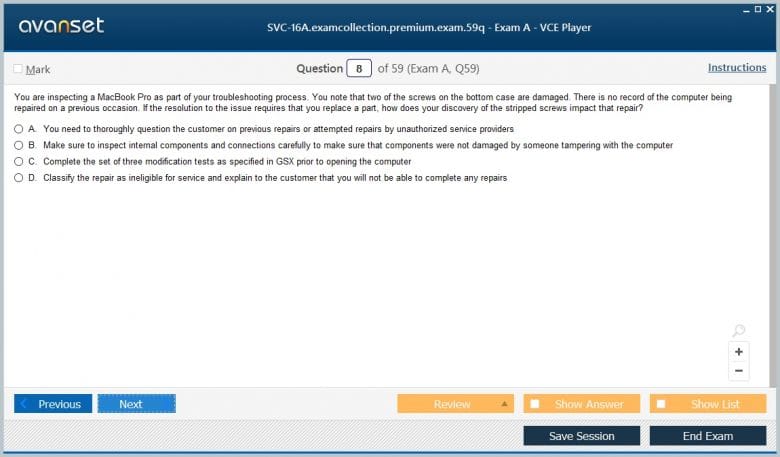
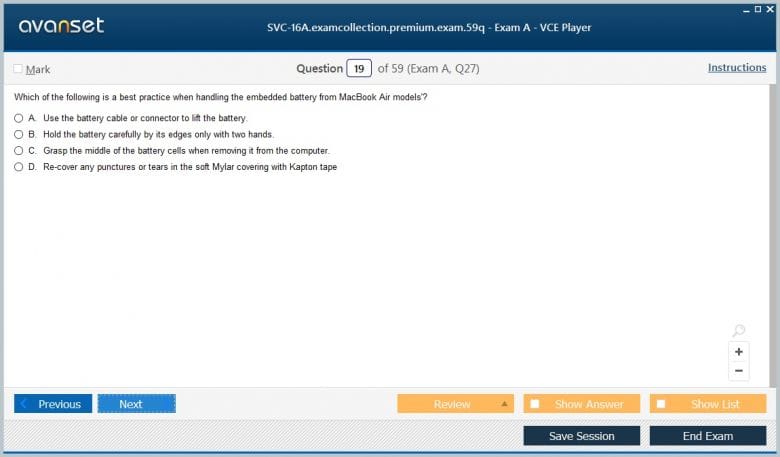
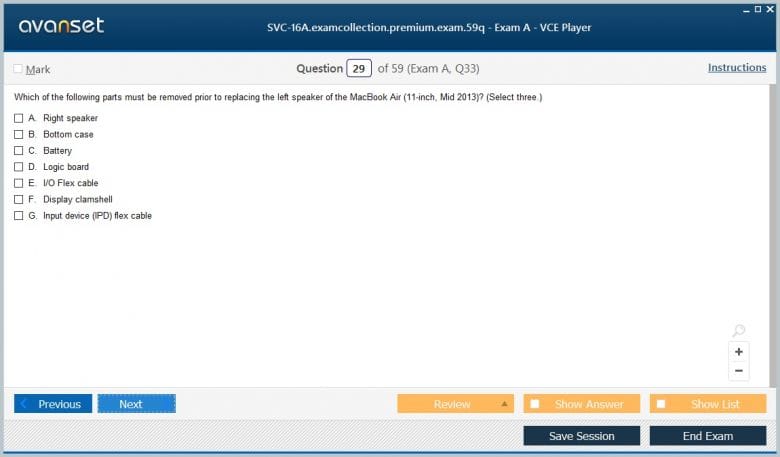
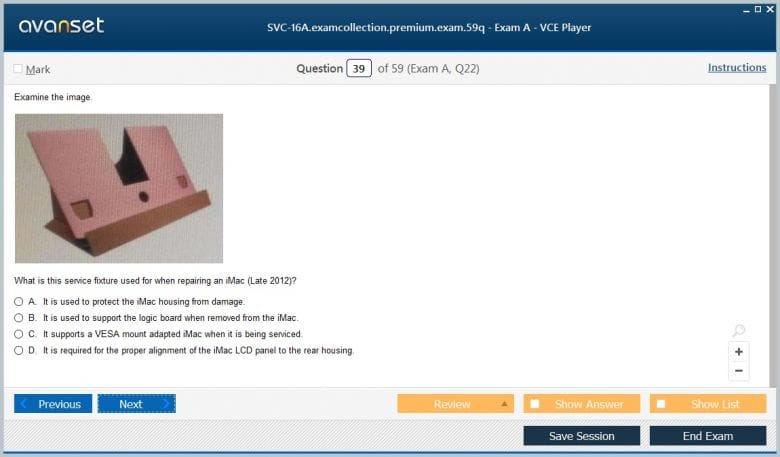
Apple SVC-16A Practice Test Questions in VCE Format
| File | Votes | Size | Date |
|---|---|---|---|
File Apple.Passguide.SVC-16A.v2026-07-08.by.Brant.37q.vce |
Votes 3 |
Size 82.33 KB |
Date Jul 10, 2026 |
Apple SVC-16A Practice Test Questions, Exam Dumps
Apple SVC-16A (Apple Service Fundamentals) exam dumps vce, practice test questions, study guide & video training course to study and pass quickly and easily. Apple SVC-16A Apple Service Fundamentals exam dumps & practice test questions and answers. You need avanset vce exam simulator in order to study the Apple SVC-16A certification exam dumps & Apple SVC-16A practice test questions in vce format.
Apple SVC-16A was the Apple Service Fundamentals exam used in the 2016 service-certification cycle. It is a historical exam and should not be confused with Apple’s current professional IT training. In the ACMT 2016 structure, candidates needed SVC-16A together with the ACMT 2016 Mac Service exam to complete the Mac technician certification requirements of that era.
Service Fundamentals was deliberately broader than one hardware family. It covered the habits and procedures that a technician should carry into every repair: safety, electrostatic-discharge control, customer interaction, use of Apple service documentation, and basic troubleshooting. Those foundations were intended to make later product-specific service work consistent and defensible.
The exam sits inside the historical Apple certifications inventory with later revisions such as Apple Service Fundamentals 2017 and Apple Service Fundamentals 2019. Current candidates seeking Apple support certification should instead use Apple Device Support, whose scope is organization-level user and device support rather than the older authorized-service technician model.
A technician should evaluate risk before opening a device or attaching test equipment. Batteries, power supplies, sharp edges, hot components, damaged glass, liquid exposure, and tools can all create hazards. Service procedures exist partly to control those risks. Skipping a precaution because the suspected fault seems obvious can turn a routine repair into an injury or a damaged product.
Battery handling deserves particular discipline. A swollen, punctured, crushed, or otherwise damaged lithium battery should not be manipulated like a normal component. Technicians need to recognize warning signs, stop work when required, use approved handling and storage practices, and escalate according to service policy.
Electrical safety includes disconnecting power and following model-specific instructions before working near energized components. The precise procedure can vary by device, which is another reason that service documentation must be consulted rather than replaced with memory from a similar model.
Electrostatic discharge can damage sensitive electronics without producing an obvious spark or immediate failure. Service Fundamentals therefore treated ESD precautions as routine professional practice. Grounding, appropriate work surfaces, safe component handling, and correct storage help prevent latent faults that could appear after the device leaves the bench.
A technician should understand that ESD risk is about the path between charged objects and sensitive components. Touching a connector, board, or module without appropriate control can expose it to a discharge even when the technician feels nothing. The safe workflow should become automatic before delicate parts are removed or installed.
Packaging matters too. Components should be placed in the appropriate protective material rather than on arbitrary surfaces. Good bench organization reduces both ESD exposure and physical damage. A clean, controlled workspace is part of service quality because it makes accidental contact, mixed hardware, and misplaced parts less likely.
Service work starts before diagnostics. The technician needs a clear description of the problem, when it occurs, what changed recently, and what the customer has already tried. Repeating the complaint back in precise language can expose ambiguity: “the Mac is slow” may mean startup takes longer, one app freezes, network access is slow, or storage is nearly full.
Expectation setting is equally important. If a repair could affect data, if additional diagnostics are required, or if the problem cannot be reproduced, the customer should understand the next step. Promising an outcome before evidence is available creates unnecessary conflict and can push a technician toward replacing parts simply to appear decisive.
Professional communication also includes privacy. A technician may need limited access to verify a repair, but that does not justify browsing unrelated user information. Ask for the access needed for the task, minimize exposure to personal data, and follow the service organization’s handling rules.
Customer intake should also establish device condition before service begins. Existing dents, cracked glass, missing parts, liquid indicators, or other visible damage should be documented so that both the customer and technician have the same starting point. This protects the repair process from later ambiguity and can change which safety or diagnostic procedure is appropriate.
Apple service procedures can differ between products that appear similar. Fasteners, adhesives, connector locations, diagnostic steps, safety warnings, and replacement-part rules may change across model generations. The technician should identify the exact device and use the matching procedure rather than relying on experience with a nearby model.
Historical service environments used Apple documentation and systems to provide troubleshooting information, specifications, repair instructions, and part guidance. The professional skill is not memorizing every page. It is locating the right reference efficiently, reading warnings before the relevant step, and applying the procedure without substituting unsupported shortcuts.
Documentation should also flow in the other direction. Record the reported symptom, observed condition, tests, results, service action, and final verification. If the device returns, those notes let another technician distinguish a repeat fault from a new complaint and avoid repeating work that already produced a known result.
Service Fundamentals established a troubleshooting method that product-specific exams could build on. Confirm the symptom, identify the scope, collect relevant information, and choose a test that separates plausible causes. Random resets and part replacement can sometimes make a problem disappear, but they do not demonstrate technical understanding.
Start with the least invasive observations. Check power, connections, visible damage, known settings, and whether the symptom can be reproduced. Ask whether the problem affects the whole device or one function. Compare with a known-good cable, accessory, account, network, or power source when that comparison meaningfully narrows the cause.
Each test should answer a question. If an external display works, that tells you something about the graphics path; if another device fails on the same network, that shifts attention toward infrastructure; if the issue persists in a clean software state, hardware becomes more plausible. Good troubleshooting reduces uncertainty step by step.
Apple service tools and diagnostics can test components, report errors, or provide information about device state. A technician should know what the tool actually evaluates. A passing result does not prove that every possible fault is absent, and an error code should be connected to the reported symptom before it drives a repair decision.
Physical inspection remains important. Liquid indicators, damaged connectors, debris, impact marks, battery condition, loose cables, or obvious contamination can change the service plan. Inspection should be performed carefully so that the process itself does not create damage.
Software state can imitate hardware failure. Startup configuration, corrupted files, settings, or external peripherals may produce symptoms that look like component faults. Service Fundamentals therefore supports a broad diagnostic view: hardware, software, environment, and user workflow all belong in the evidence set.
Escalation is part of that method. When the available tests do not isolate the fault, when a multipart repair is indicated, or when the technician lacks authorization for the next action, the correct step is to preserve the evidence and involve the appropriate service resource. Continuing with unsupported guesses can increase both repair time and risk.
A correct diagnosis can still result in a poor repair if the device is reassembled badly. Fasteners should return to the correct locations, connectors should be fully seated without damage, cables should follow intended routing, shields and covers should be restored, and adhesives or seals should be handled according to procedure.
After service, verify the original symptom and related functions. If a display assembly was involved, inspect image quality and any nearby camera, sensor, or antenna functions that could have been disturbed. If a battery was replaced, verify charging and power behavior. If a logic-board connection was changed, run the appropriate diagnostics and functional checks.
The technician should not mark a repair complete because the device turns on. Completion means the reported problem is resolved or the remaining condition is clearly documented, the device is safe, and the functions affected by the service action have been checked.
The pairing of SVC-16A with MAC-16A illustrates Apple’s historical training logic. Service Fundamentals validated common technician behavior, while the Mac exam validated product-specific hardware knowledge. That separation encouraged candidates to learn safe, repeatable service practice before applying it to a particular device family.
The later SVC-17A and SVC-19A revisions show that even fundamentals changed over time as products, procedures, and certification programs evolved. A candidate studying SVC-16A should not import later device details into the 2016 exam merely because the general service principles sound similar.
Likewise, a modern Apple help-desk professional should not assume that a legacy service-fundamentals exam represents the current support badge. The modern role focuses much more heavily on accounts, operating systems, security, recovery, networking, applications, and managed-device context.
Historical preparation should organize study around safety, ESD, customer intake, documentation, basic diagnostics, tools, service workflow, and verification. Use realistic service cases: identify the device, state the risk, describe the first test, locate the proper procedure, and explain how the repair will be verified. That exercises judgment rather than trivia.
When exact 2016 procedural details matter, use archival material from that period. Current third-party pages may label SVC-16A as recently updated because they continue to sell practice content, but that does not make the Apple certification itself current. The exam code should remain tied to its original service-program context.
The enduring value of SVC-16A is the discipline it expected: work safely, protect components, listen carefully to the customer, use authoritative instructions, isolate faults logically, document evidence, preserve data and privacy, and verify the repair. Those principles remain useful long after the specific 2016 certification cycle ended.
Go to testing centre with ease on our mind when you use Apple SVC-16A vce exam dumps, practice test questions and answers. Apple SVC-16A Apple Service Fundamentals certification practice test questions and answers, study guide, exam dumps and video training course in vce format to help you study with ease. Prepare with confidence and study using Apple SVC-16A exam dumps & practice test questions and answers vce from ExamCollection.
Purchase Individually
Site Search:

SPECIAL OFFER: GET 10% OFF

Pass your Exam with ExamCollection's PREMIUM files!
SPECIAL OFFER: GET 10% OFF
Use Discount Code:
MIN10OFF
A confirmation link was sent to your e-mail.
Please check your mailbox for a message from support@examcollection.com and follow the directions.

Download Free Demo of VCE Exam Simulator
Experience Avanset VCE Exam Simulator for yourself.
Simply submit your e-mail address below to get started with our interactive software demo of your free trial.