



Premium File
54 Q&A
$76.99$69.99
CIW 1D0-621 Exam Questions & Answers, Accurate & Verified By IT Experts
Instant Download, Free Fast Updates, 99.6% Pass Rate
54 Questions & Answers
Last Update: Sep 21, 2026
$69.99
CIW 1D0-621 Exam Screenshots
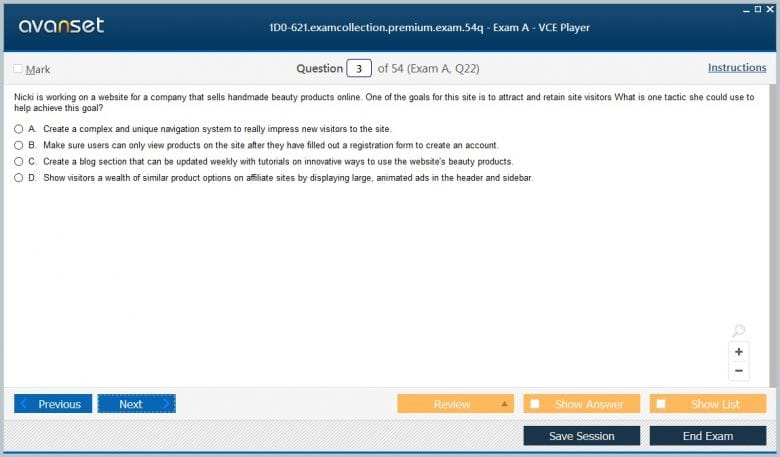
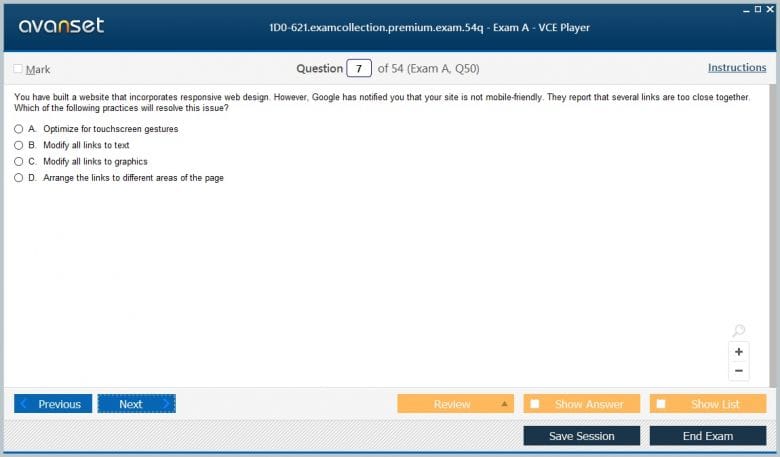
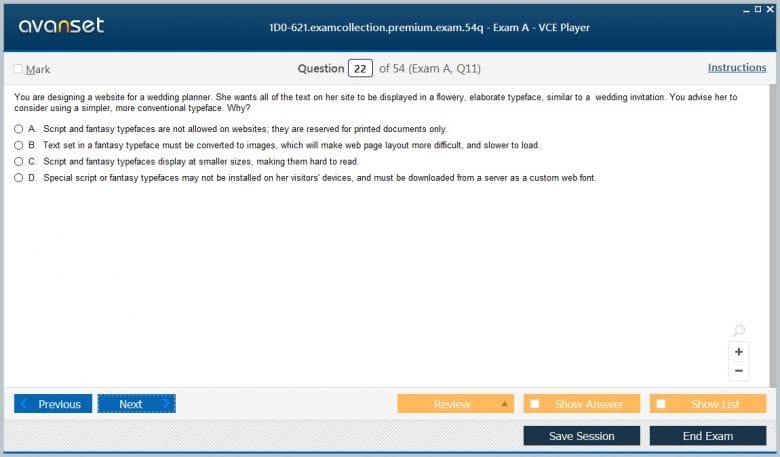
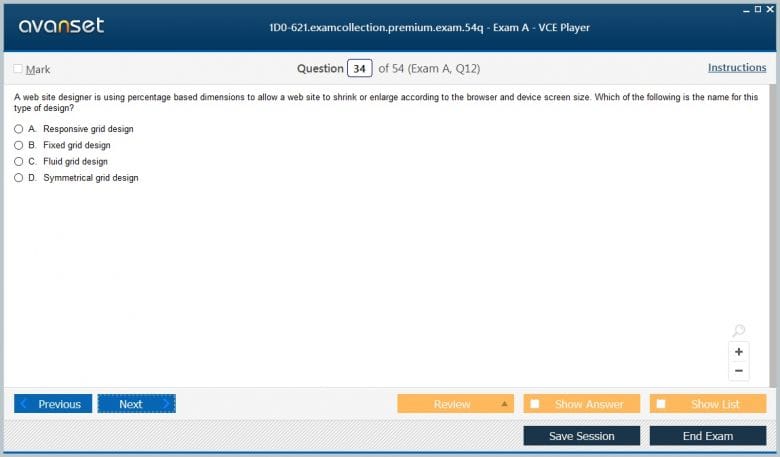
CIW 1D0-621 Practice Test Questions in VCE Format
| File | Votes | Size | Date |
|---|---|---|---|
File CIW.test-king.1D0-621.v2026-08-03.by.yusuf.25q.vce |
Votes 1 |
Size 70.17 KB |
Date Aug 02, 2026 |
File CIW.Prepaway.1D0-621.v2019-04-22.by.Grace.34q.vce |
Votes 4 |
Size 82.31 KB |
Date Apr 24, 2019 |
CIW 1D0-621 Practice Test Questions, Exam Dumps
CIW 1D0-621 (CIW User Interface Designer) exam dumps vce, practice test questions, study guide & video training course to study and pass quickly and easily. CIW 1D0-621 CIW User Interface Designer exam dumps & practice test questions and answers. You need avanset vce exam simulator in order to study the CIW 1D0-621 certification exam dumps & CIW 1D0-621 practice test questions in vce format.
CIW currently offers 1D0-621 User Interface Designer, with the credential still active in 2026. CIW’s live program emphasizes user-centered design, usability, interface planning, color, typography, layout, wireframing, navigation, responsive design, publishing, maintenance, security, branding, and SEO. That mix makes the exam more than a visual-design credential: it treats the interface as the meeting point between users, content, business goals, and technical implementation.
The exam sits in the Web and Mobile Design series and builds naturally on CIW 1D0-61B Site Development Associate. The earlier site-development material explains how pages are structured and styled; 1D0-621 asks why the page is organized that way and whether users can understand and operate it. Both live inside the broader CIW certification ecosystem.
There is also useful historical context in 1D0-520 Web Design Specialist, a retired CIW exam whose older design scope shows how web-design expectations have evolved. Modern interface work places more emphasis on mobile behavior, usability evidence, responsive implementation, and consistent experience across devices.
A designer cannot create a useful interface without understanding who will use it and what those users are trying to accomplish. Requirements gathering should therefore identify audiences, goals, tasks, constraints, content, business priorities, devices, and accessibility needs before visual styling dominates the discussion.
User analysis may involve interviews, observation, analytics, support data, stakeholder input, or existing research. The purpose is not to create decorative personas. It is to discover behavior and constraints that affect design decisions. A user completing a time-sensitive mobile task has different needs from an employee using a dense desktop dashboard for hours.
Business stakeholders also bring legitimate requirements: branding, conversion goals, legal obligations, content priorities, and operational limitations. Good UI design does not choose users over the business or vice versa. It looks for an interface that helps users complete tasks while supporting the organization’s objectives.
Wireframes reduce an interface to information hierarchy, placement, navigation, and interaction. They are valuable because teams can challenge a layout before investing time in detailed graphics or code. A low-fidelity sketch often reveals missing content, unclear priorities, or an impossible workflow earlier than a polished mockup.
The designer should use the fidelity appropriate to the decision. Rough sketches encourage structural discussion. Higher-fidelity prototypes can test interaction and visual hierarchy. Interactive prototypes may reveal whether users understand navigation, form progression, or feedback states.
The key is to avoid mistaking a prototype for evidence. A beautiful mockup can still be confusing. Testing with representative tasks tells the team whether users can actually locate information and complete actions.
Visual design helps users decide what to look at first, what elements belong together, and what can be acted upon. Typography creates hierarchy through size, weight, spacing, and type choices. Color can signal emphasis, status, grouping, or brand identity. Layout controls relationships and scanning patterns.
These tools need restraint. Too many font sizes weaken hierarchy. Too many colors make every element compete for attention. Tight spacing can make unrelated items appear connected, while excessive spacing can fragment a workflow. Consistency allows users to learn the interface instead of reinterpreting it on every screen.
Color must not be the only carrier of meaning. A red outline may indicate an error visually, but a text explanation and accessible state are still needed. Contrast also affects readability, particularly for users with low vision or color-vision differences.
Navigation is successful when users can predict where choices lead. Labels should use terms the audience understands, categories should reflect meaningful groupings, and the interface should provide enough location context that people do not feel lost after moving several levels deep.
Large sites often need multiple navigation layers, but more menus do not automatically improve findability. Search, filters, breadcrumbs, local navigation, and cross-links each solve different problems. The design should use them where they reduce uncertainty rather than adding every possible mechanism.
Navigation also needs consistent interaction. A control that opens a menu should behave similarly across the site. Links should look and act like links. The browser’s back behavior should not be broken casually. Familiar patterns reduce the amount of interface learning required before users can focus on their task.
Responsive implementation changes layout as available space changes, but the deeper design problem is deciding how an experience adapts. A desktop interface may have room for persistent navigation, dense comparison tables, and side panels. A phone may require staged disclosure, simplified navigation, and larger touch targets.
Designers should prioritize content rather than hiding it arbitrarily. A narrow screen does not mean the user’s goal becomes less important. The team needs to determine which information is essential to the task, what can be deferred, and how controls reflow without changing their meaning.
The same reasoning applies to orientation, zoom, text scaling, and variable content length. Interfaces that depend on one exact viewport or fixed text size are fragile. Responsive design is more durable when layout components can grow and wrap naturally.
Usability testing asks representative users to perform realistic tasks while the team observes where they succeed, hesitate, or fail. Even a small number of sessions can reveal unclear labels, hidden controls, misleading hierarchy, or steps that the design team considered obvious.
Testing should focus on behavior rather than asking users whether they “like” the design. A person may say a page looks good while still being unable to find the required action. Task completion, errors, time, hesitation, and verbalized expectations provide more actionable evidence.
The designer should also distinguish one-off preference from repeated friction. Not every comment requires a redesign, but patterns across users deserve attention. Iteration is the point: test, learn, adjust, and test again.
Graphical interfaces rely on learned conventions such as buttons, menus, tabs, dialogs, icons, and direct manipulation. Consistency with established patterns reduces cognitive load because users do not need to rediscover basic interaction rules.
The comparison of command-line and graphical user interfaces provides useful context. GUIs make many actions discoverable and visual, while command-line tools often offer speed, repeatability, and precision for experienced users. Interface quality depends on the audience and task rather than a universal preference for one mode.
Even within a GUI, designers should expose enough system state to prevent uncertainty. Loading indicators, confirmation messages, disabled states, validation feedback, and clear error recovery all tell users what happened and what they can do next.
An interface can degrade after launch even if the original design was strong. Content grows, navigation accumulates exceptions, new features introduce inconsistent components, dependencies change, and pages that were once fast become heavy. Maintenance needs design governance as well as technical upkeep.
Security also affects the experience. Authentication flows, password rules, session timeouts, consent, and permission errors need clear communication. Security controls that confuse users may encourage unsafe workarounds, while overly permissive experiences can expose data. The goal is not to remove friction at any cost but to make necessary friction understandable.
SEO enters the curriculum because interface structure and content affect discoverability. Meaningful headings, readable content, descriptive links, performance, and mobile quality support both users and search systems. Manipulative keyword repetition is not a substitute for clear information architecture.
Content design is another part of usability that visual mockups sometimes obscure. Headings, button labels, field instructions, empty states, confirmation messages, and error text all shape whether a user understands the interface. A vague label can undermine a technically perfect layout, while concise language can reduce the need for extra controls or explanatory screens. Candidates should therefore review words and interaction together rather than treating copy as material that is added after design is finished.
Accessibility review should also be integrated into ordinary design decisions. Keyboard focus, logical reading order, sufficient contrast, form labels, scalable text, and meaningful status messages affect real usability. Treating accessibility as a final compliance pass is more expensive and often produces weaker results than building inclusive behavior into the initial structure.
Studying 1D0-621 is more effective when candidates redesign real interfaces. Choose a simple site and document its audience, primary tasks, navigation, hierarchy, typography, color usage, mobile behavior, and error states. Sketch an alternative wireframe and explain what problem each change is intended to solve.
Then implement at least part of the design using HTML and CSS. The practical foundation discussed in HTML and CSS career skills matters because design decisions become more realistic when the designer understands how structure and styling behave in a browser.
Use CIW’s current objectives as the exam boundary and its live program information for logistics. The broader goal is to develop a repeatable design method: understand users, organize information, prototype, apply visual hierarchy, test behavior, adapt across devices, publish responsibly, and maintain consistency as the interface evolves.
Go to testing centre with ease on our mind when you use CIW 1D0-621 vce exam dumps, practice test questions and answers. CIW 1D0-621 CIW User Interface Designer certification practice test questions and answers, study guide, exam dumps and video training course in vce format to help you study with ease. Prepare with confidence and study using CIW 1D0-621 exam dumps & practice test questions and answers vce from ExamCollection.
Purchase Individually
Site Search:

SPECIAL OFFER: GET 10% OFF

Pass your Exam with ExamCollection's PREMIUM files!
SPECIAL OFFER: GET 10% OFF
Use Discount Code:
MIN10OFF
A confirmation link was sent to your e-mail.
Please check your mailbox for a message from support@examcollection.com and follow the directions.

Download Free Demo of VCE Exam Simulator
Experience Avanset VCE Exam Simulator for yourself.
Simply submit your e-mail address below to get started with our interactive software demo of your free trial.
has anyone passed using this vce in the last 30 days?
practising with CIW 1D0-621 practice questions and answers seems to be secure…..hope to pass the exam soon...
hi guys…. Wanted to share my view about these questions and answers for 1D0-621 exam … I used them and completely satisfied to find this website! These dumps helped me ace my exam two days ago, so they are highly valid and will be help you pass your exam as well. goodluck!
@Tony_J, i highly advise them too! the CIW 1D0-621 braindumps were so useful during my exam last week… they helped me pass without any difficulty. I recommend them to all candidates so practice with them as many times as possible using the VCE Software till you gain the passing score! … these tools are definitely exam boosters!
@Tony_J, the dumps for 1D0-621 exam are super great! they cover all exam objectives and they also have a very high percentage of validity… you chose the right materials they will help you pass your exam easily. I succeeded in it thanks to them!
I am hunting for exam prep materials and have chosen to include these 1D0-621 vce files… but first I welcome any comments about them.. as well as any recommendations..
hi….CIW 1D0-621 practice tests were the best materials I used during my prearations. they helped me ace my exam with ease! thanks to them I have passed my CIW User Interface Designer exam!! I think candidates shold make these materials their number one choice ….great help to candidates! recommend!