



Premium File
56 Q&A
$76.99$69.99
CIW 1D0-61B Exam Questions & Answers, Accurate & Verified By IT Experts
Instant Download, Free Fast Updates, 99.6% Pass Rate
56 Questions & Answers
Last Update: Nov 11, 2026
$69.99
CIW 1D0-61B Exam Screenshots
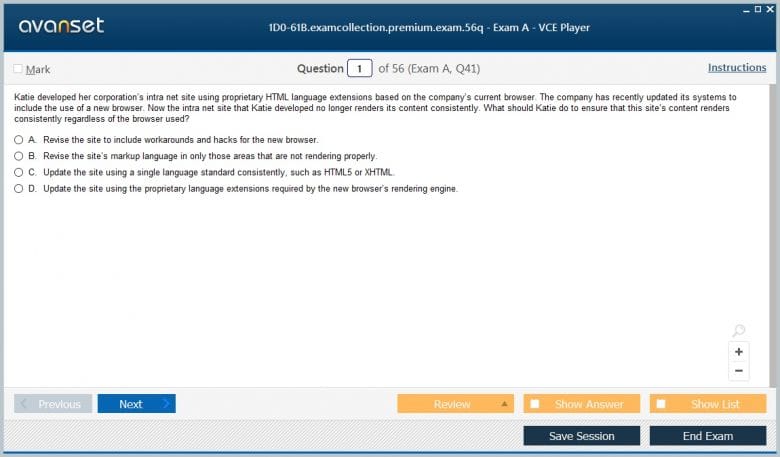
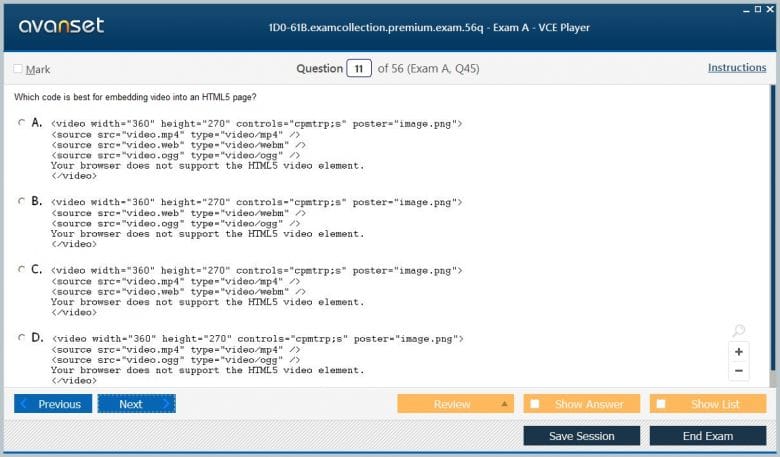
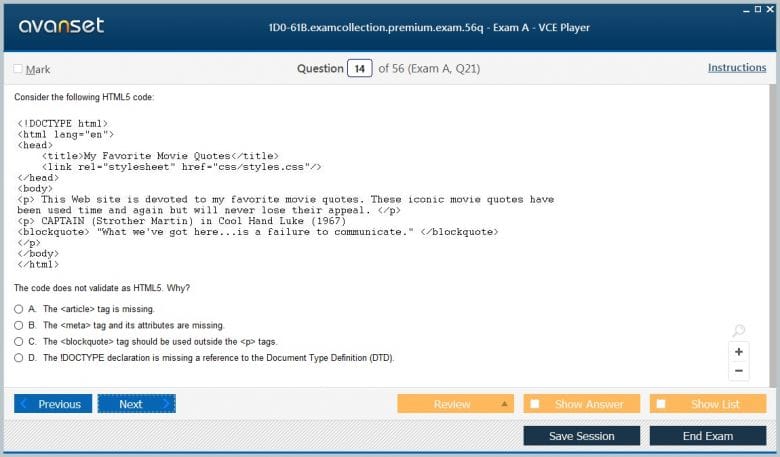
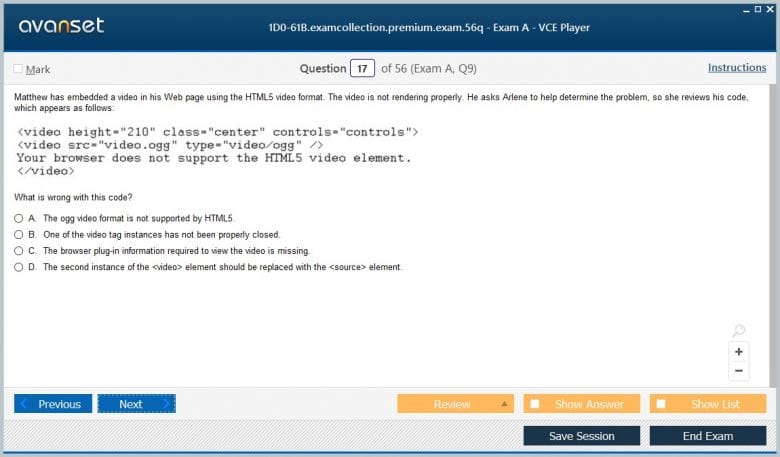
CIW 1D0-61B Practice Test Questions in VCE Format
| File | Votes | Size | Date |
|---|---|---|---|
File CIW.prep4sure.1D0-61B.v2026-08-28.by.evelyn.28q.vce |
Votes 1 |
Size 440.25 KB |
Date Aug 27, 2026 |
File CIW.Actualtests.1D0-61B.v2015-03-14.by.Arvil.46q.vce |
Votes 9 |
Size 299.18 KB |
Date Mar 14, 2015 |
CIW 1D0-61B Practice Test Questions, Exam Dumps
CIW 1D0-61B (CIW Site Development Associate) exam dumps vce, practice test questions, study guide & video training course to study and pass quickly and easily. CIW 1D0-61B CIW Site Development Associate exam dumps & practice test questions and answers. You need avanset vce exam simulator in order to study the CIW 1D0-61B certification exam dumps & CIW 1D0-61B practice test questions in vce format.
CIW 1D0-61B Site Development Associate remains part of CIW’s live 2026 exam catalog. CIW’s live curriculum centers on markup, HTML5, CSS, graphical elements, hyperlinks, tables, forms, multimedia, extending HTML, GUI editing tools, mobile websites, and the business process behind site development. It is deliberately foundational, but the best preparation goes beyond memorizing tags.
A website is a system of documents, assets, navigation, inputs, business rules, and user expectations. Site Development Associate asks candidates to understand how those pieces are assembled into pages that work across browsers and devices. Within the broader CIW certification portfolio, it complements 1D0-61A Internet Business Associate and 1D0-61C Network Technology Associate, while also providing a natural foundation for 1D0-621 User Interface Designer.
The exam also contributes to the wider 1D0-610 Web Foundations Associate body of knowledge. That relationship is important: HTML and CSS are not isolated artistic skills. They operate inside Internet protocols, business requirements, accessibility expectations, security boundaries, and deployment workflows.
HTML gives a web page structure and meaning. Headings identify hierarchy, paragraphs hold prose, lists organize related items, links connect resources, images provide visual content, and form elements collect user input. Candidates should be comfortable reading basic markup and recognizing whether the structure matches the intended document.
Semantic structure matters because browsers are not the only consumers of HTML. Search engines, assistive technologies, automated testing tools, content systems, and future developers also interpret the document. A heading chosen only because it looks large may create a broken outline. A clickable element built without the right semantics may be difficult to use from a keyboard or screen reader.
This is why “knowing HTML” should mean more than remembering element names. The discussion about building a career from HTML and CSS fundamentals is useful context: these technologies remain valuable when they are used as the structural layer of a broader web-development skill set.
CSS controls visual presentation: typography, spacing, borders, backgrounds, positioning, sizing, and responsive layout. The separation between HTML structure and CSS presentation makes pages easier to maintain because a design change can be applied consistently without rewriting the underlying content.
Candidates should understand selectors, inheritance, the cascade, specificity, classes, identifiers, and the box model at a practical level. A rule does not apply merely because it appears later in a file; selector weight, origin, and inherited values affect the computed result. Browser developer tools make this behavior visible and are excellent for learning why a style is or is not taking effect.
Layout should be treated as a system rather than a collection of fixed coordinates. Pages must accommodate different text lengths, viewport sizes, zoom levels, and devices. Even at a foundation level, candidates should recognize why flexible sizing and responsive thinking produce more durable interfaces than designs that assume one screen.
Hyperlinks are one of the web’s defining features. Candidates should understand absolute and relative references, fragment identifiers, link text, image links, e-mail references, and the relationship between a page’s location and the resources it loads.
Navigation quality is partly technical and partly editorial. Users need labels that predict where a link leads, a consistent way to move through the site, and a clear sense of location. “Click here” provides less meaning than a link that names its destination. Broken relative paths often reveal that the developer has not understood the site’s directory structure.
External links also raise maintenance and trust questions. Sites change, domains expire, and third-party resources may move. A professional site therefore needs a process for checking important links and deciding when outside content should be embedded, referenced, or copied under an appropriate license.
Tables are appropriate for genuinely tabular relationships, such as product comparisons, schedules, or measurements. They should not be used as a general page-layout system. Correct headers and logical row-column relationships improve readability and accessibility, especially when a table becomes large.
Forms are more interactive. Labels, input types, validation, grouping, instructions, and error feedback all affect whether users can submit accurate information. Client-side validation can improve the experience, but the server still needs to validate input because browser-side checks can be bypassed.
That principle leads directly to application security. Unsafe input handling can become a path to injection or other attacks. The guide to preventing SQL injection goes beyond the foundation exam, but it illustrates why form design, application logic, and data security cannot be separated completely.
Media can make a site more useful, but every asset adds size, format, compatibility, and accessibility considerations. Developers should choose suitable formats, provide meaningful alternative text where appropriate, avoid unnecessarily large files, and recognize when media should be decorative rather than essential to understanding.
Audio and video may need controls, captions, transcripts, or fallback behavior. Autoplay can be disruptive, consume bandwidth, and create accessibility problems. Embedded third-party players may also introduce privacy or performance tradeoffs because the page now depends on another service.
Optimization is not only about file compression. The development team should ask whether the media contributes enough value to justify its cost, whether dimensions are appropriate, and whether the page still communicates effectively when the asset cannot load.
Mobile users may be on a narrow screen, a touch interface, a slow network, or a device with limited battery and processing resources. A desktop page squeezed onto a phone is not the same as a design built to adapt. Candidates should understand why viewport behavior, flexible layout, readable typography, and touch-friendly controls matter.
Input methods also vary. Hover interactions may not exist on touchscreens. A small link that is easy to click with a mouse may be frustrating on a phone. Long forms become especially painful when fields use the wrong input types or require unnecessary typing.
Responsive design is therefore a content and interaction problem as much as a CSS technique. Teams should decide what information is essential, how navigation changes on small screens, and whether an action can be completed comfortably in the user’s likely context.
Visual editors can accelerate common tasks, provide previews, and reduce repetitive typing. Content-management systems can let nondevelopers update pages without editing source. Those tools are valuable, but generated output still needs to be understandable and maintainable.
A developer who can inspect HTML and CSS can diagnose problems that a visual interface hides. Unexpected spacing, invalid nesting, duplicated styles, inaccessible controls, or broken paths are easier to correct when the person understands the code beneath the editor.
The comparison of graphical and text-based interfaces provides a broader version of the same lesson. A GUI can make work approachable, while lower-level visibility often provides more precision and diagnostic power.
A finished local page is not yet a finished website. Publishing involves hosting, domain and path configuration, permissions, file transfer or deployment processes, testing, backups, and an ongoing maintenance plan. Content becomes exposed to real users and potentially to automated scanners and attackers.
Web security is layered. Transport encryption, server configuration, application coding, authentication, authorization, patching, and monitoring all contribute. The overview of web application firewalls shows one protective layer, but a WAF does not remove the need to fix insecure code or maintain the underlying platform.
Maintenance also includes nonsecurity work: correcting stale content, testing forms, checking navigation, updating dependencies, reviewing analytics, and verifying that new changes do not break old pages. Site development is a lifecycle rather than a one-time upload.
Source organization deserves attention as well. Even a small site becomes easier to maintain when filenames, directories, image assets, and stylesheets follow a predictable structure. Relative paths should remain understandable after pages move between development and publishing environments. This discipline reduces broken links and makes it easier for another developer to understand the project without reverse-engineering a collection of ad hoc folders.
The most efficient way to study 1D0-61B is to build. Create a multi-page site with semantic headings, navigation, images, a table, a form, and a consistent stylesheet. Test it at different screen sizes. Use browser developer tools to inspect the DOM and computed styles. Break a relative path deliberately and then fix it.
Next, review the site as a user. Can a keyboard user move through the controls? Are labels clear? Does the navigation describe destinations? Are images sized sensibly? Does the form explain errors? Then review it as an operator: how would the files be published, backed up, updated, and secured?
CIW’s live course and objective documents should be the final boundary for exam preparation. The stronger long-term outcome, however, is broader than a passing score. 1D0-61B should leave a learner able to turn content and business requirements into a structured, maintainable web presence and able to explain why the implementation choices matter.
Go to testing centre with ease on our mind when you use CIW 1D0-61B vce exam dumps, practice test questions and answers. CIW 1D0-61B CIW Site Development Associate certification practice test questions and answers, study guide, exam dumps and video training course in vce format to help you study with ease. Prepare with confidence and study using CIW 1D0-61B exam dumps & practice test questions and answers vce from ExamCollection.
Purchase Individually
Site Search:

SPECIAL OFFER: GET 10% OFF

Pass your Exam with ExamCollection's PREMIUM files!
SPECIAL OFFER: GET 10% OFF
Use Discount Code:
MIN10OFF
A confirmation link was sent to your e-mail.
Please check your mailbox for a message from support@examcollection.com and follow the directions.

Download Free Demo of VCE Exam Simulator
Experience Avanset VCE Exam Simulator for yourself.
Simply submit your e-mail address below to get started with our interactive software demo of your free trial.