
Pass Your CompTIA A+ 220-902 Exam Easy!
CompTIA A+ 220-902 Exam Questions & Answers, Accurate & Verified By IT Experts
Instant Download, Free Fast Updates, 99.6% Pass Rate
This exam was replaced by CompTIA with 220-1002 exam
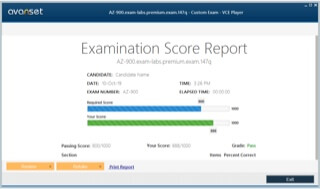
CompTIA A+ 220-902 Exam Screenshots
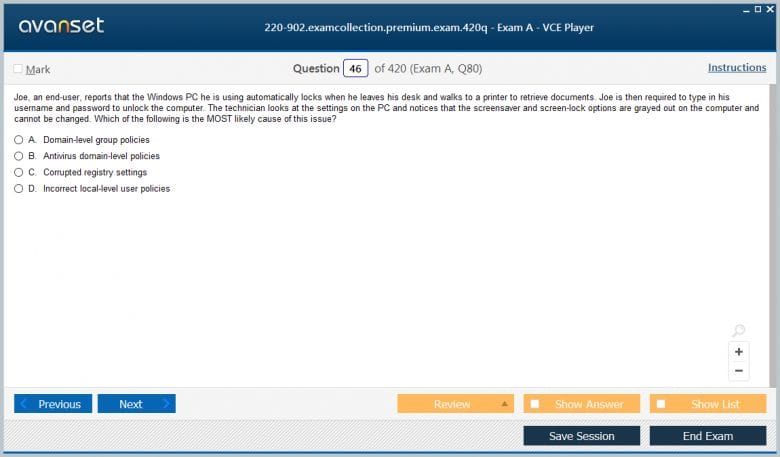
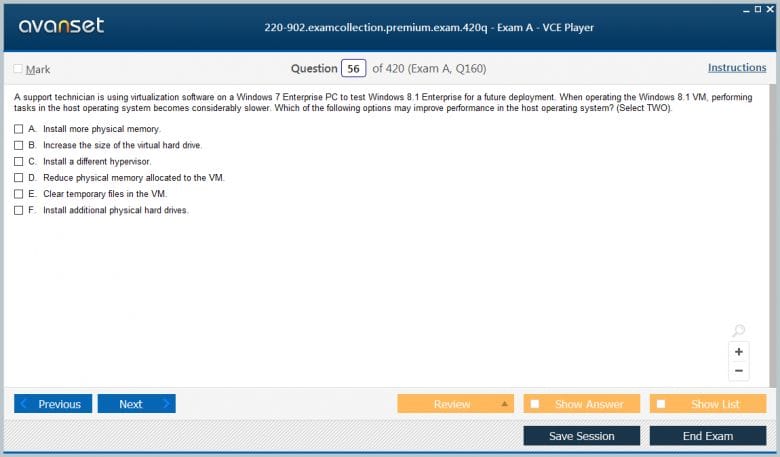
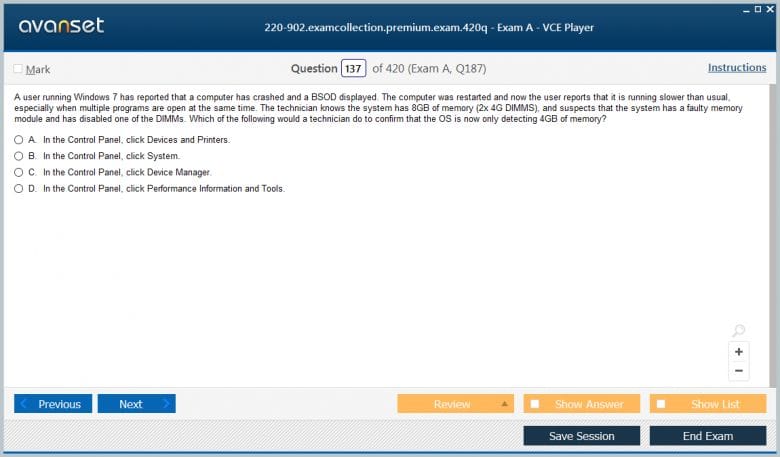
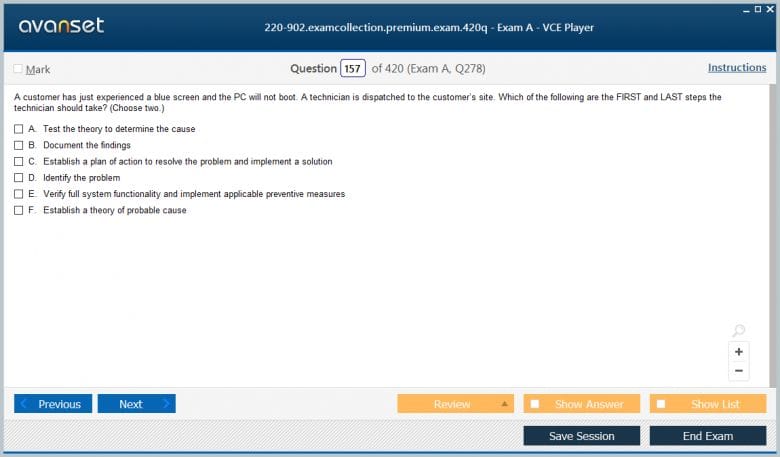
CompTIA A+ 220-902 Practice Test Questions in VCE Format
| File | Votes | Size | Date |
|---|---|---|---|
File CompTIA.BrainDumps.220-902.v2016-03-01.by.Augusto.119q.vce |
Votes 55 |
Size 115.76 KB |
Date Mar 01, 2016 |
CompTIA A+ 220-902 Practice Test Questions, Exam Dumps
CompTIA 220-902 (CompTIA A+ (220-902)) exam dumps vce, practice test questions, study guide & video training course to study and pass quickly and easily. CompTIA 220-902 CompTIA A+ (220-902) exam dumps & practice test questions and answers. You need avanset vce exam simulator in order to study the CompTIA A+ 220-902 certification exam dumps & CompTIA A+ 220-902 practice test questions in vce format.
Understanding the CompTIA A+ Certification and the 220-902 Exam
The CompTIA A+ certification is the most widely recognized entry-level credential in the information technology profession, validating foundational knowledge and practical skills across a broad range of hardware, software, networking, and operational topics that form the essential knowledge base of a working IT support professional. Administered by the Computing Technology Industry Association, the certification has been the industry standard for entry-level IT competency for decades and continues to carry substantial weight with employers across virtually every industry that employs technology support staff. Earning the A+ credential signals to employers that a professional has demonstrated the baseline technical competency required to function effectively in a help desk, desktop support, or field technician role.
What distinguishes the A+ certification from many other entry-level credentials is its combination of breadth and practical orientation. Rather than focusing narrowly on a single technology vendor's products or a single technical domain, the A+ validates knowledge that applies across diverse equipment, operating systems, and environments. This vendor-neutral approach means that A+ certified professionals can contribute meaningfully in organizations using a wide variety of technology configurations rather than being limited to environments that match the specific products their certification covers. The certification's longevity and consistent employer recognition reflect its genuine alignment with the real-world knowledge requirements of entry-level IT support work.
The Structure of the A+ Certification Exam Series
The CompTIA A+ certification requires passing two separate exams rather than a single assessment, a structure that reflects the breadth of knowledge the certification validates and allows each exam to cover its respective content area in appropriate depth. The two-exam structure has been maintained across multiple versions of the certification because it allows the certification to address both hardware-focused and software-focused knowledge domains with the thoroughness each requires rather than compressing everything into a single assessment that would necessarily be more superficial across both areas.
The 220-901 exam and the 220-902 exam represent one specific version pairing within the A+ certification history, with the 901 addressing hardware and networking fundamentals while the 902 addresses operating systems, security, software troubleshooting, and operational procedures. Candidates must pass both exams within a specified timeframe to earn the A+ certification, and neither exam alone confers the credential. This pairing structure ensures that certified professionals have demonstrated competency across the full spectrum of knowledge that the certification represents rather than being able to earn the credential by excelling in one area while avoiding another.
What the 220-902 Exam Specifically Covers
The 220-902 exam focuses on the software, operating system, security, and operational aspects of IT support work that complement the hardware and networking content covered in the companion 220-901 exam. This division of content reflects the natural distinction between the physical and logical dimensions of computing environments, with the 902 addressing the software layers that run on top of the hardware infrastructure that the 901 covers. Together the two exams provide comprehensive coverage of what an entry-level IT support professional needs to know and do in a typical work environment.
The 220-902 exam domains encompass Windows operating system installation, configuration, and administration, along with coverage of other operating systems including macOS and Linux at a level appropriate for support professionals who encounter diverse desktop environments. Security concepts and practices including malware recognition, removal, and prevention, along with access control, encryption, and secure browsing represent a significant portion of the exam content. Software troubleshooting methodology and specific troubleshooting scenarios for common operating system and application problems are tested extensively. Operational procedures including safety practices, environmental awareness, communication professionalism, and basic scripting concepts round out the exam's coverage of the practical dimensions of IT support work that go beyond purely technical knowledge.
Windows Operating System Knowledge Requirements
Windows operating system knowledge represents one of the largest and most practically important content areas in the 220-902 exam, reflecting the reality that Windows remains the dominant desktop operating system in enterprise environments where most A+ certified professionals will work. Candidates must develop working knowledge of the Windows versions covered by the exam, including their respective features, interface characteristics, and appropriate use cases in business environments. Understanding how different Windows editions differ in their capabilities, licensing requirements, and appropriate deployment scenarios helps candidates reason correctly about operating system selection questions in the exam.
Installation and upgrade procedures for Windows operating systems, including both clean installations and in-place upgrades, represent practical knowledge that the exam assesses at a level of detail that goes beyond simply knowing that installation is possible. Candidates must understand the preparation steps required before installation, the decisions that must be made during the installation process, and the post-installation configuration steps that prepare a newly installed Windows system for productive use. Upgrade path compatibility, which determines which Windows versions can be upgraded directly to which newer versions without requiring a clean installation, is a specific knowledge area that the exam tests in scenario-based questions requiring candidates to recommend appropriate migration approaches for described situations.
Windows Administration Tools and System Configuration
Windows provides a rich set of administrative tools that IT support professionals use constantly in their daily work, and the 220-902 exam tests knowledge of these tools in meaningful depth. The Microsoft Management Console and its snap-in architecture that allows different administrative functions to be combined into custom management interfaces represents foundational administrative knowledge that candidates must understand. Specific management console snap-ins including Device Manager, Disk Management, Event Viewer, Services, and Task Manager each provide distinct visibility and control capabilities that candidates must understand well enough to identify which tool is appropriate for specific administrative tasks and troubleshooting scenarios.
The Windows Registry, which stores configuration settings for the operating system and installed applications in a hierarchical database structure, represents a specific technical area that the exam addresses because support professionals regularly encounter situations where registry examination or modification is required for troubleshooting or configuration purposes. Candidates must understand the registry's organizational structure, the major hives and their contents, and the appropriate tools and precautions for registry examination and editing. Command-line tools that provide administrative and troubleshooting capabilities are another important area, with specific commands including those used for network diagnostics, disk management, system information, and file system operations representing practical knowledge that the exam tests through scenario-based questions requiring candidates to identify which command would accomplish a described task.
Security Fundamentals and Threat Recognition
Security content represents a substantial and increasingly important portion of the 220-902 exam, reflecting the reality that security awareness and basic security practices are now fundamental expectations for IT support professionals at every level rather than being the exclusive domain of dedicated security specialists. Candidates must develop working knowledge of the major categories of malware threats, including viruses, worms, trojans, ransomware, spyware, adware, and rootkits, understanding how each type behaves, how it spreads, what symptoms it produces, and what removal approaches are most appropriate for each type.
Social engineering attacks that exploit human psychology rather than technical vulnerabilities are another security area the exam covers because IT support professionals are frequently the people who receive reports of suspicious communications and must be able to recognize and respond appropriately to phishing attempts, pretexting, and other manipulation techniques. Physical security concepts including access control systems, lock types, security camera placement, and physical hardware security measures reflect the reality that IT security extends beyond digital systems into the physical environment where computing equipment is located. Candidates who develop a genuinely comprehensive view of security that integrates technical, procedural, and physical dimensions are better prepared for both the exam and the real security responsibilities that IT support professionals carry in their daily work.
Malware Removal Procedures and Best Practices
Malware removal is one of the most practically important skills the 220-902 exam addresses, and the exam tests not just knowledge of individual malware types but the systematic procedure for identifying and removing malware infections while minimizing further risk and data loss. The removal procedure involves a sequence of steps that must be performed in a specific order to be effective and safe, and candidates must understand both the steps and the reasoning behind their ordering rather than simply memorizing a list of actions. Beginning with identifying and researching malware symptoms, progressing through isolation, scanning, and removal, and concluding with verification and documentation represents a complete procedure that the exam tests in scenario-based questions.
Quarantine procedures that isolate infected systems from the network to prevent malware spread before removal is attempted represent an important early step in malware response that candidates must recognize as appropriate before beginning removal attempts. The selection and use of malware scanning and removal tools, including the circumstances where multiple tools may be needed to achieve complete removal of complex infections, and the situations where a clean reinstallation is more appropriate than attempted removal are judgment areas that experienced support professionals develop through practice and that the exam addresses through scenario-based questions describing specific infection situations. Post-removal steps including restoring from backup when necessary, updating security software, and implementing preventive measures to reduce reinfection risk represent the completion of a thorough removal procedure that the exam expects candidates to understand.
Laptop and Mobile Device Support Knowledge
Laptop support represents a distinct technical area within the 220-902 content because laptops have specific hardware characteristics, disassembly procedures, and common failure modes that differ from desktop systems. Candidates must understand the major laptop component categories including display assemblies, keyboards, batteries, storage devices, and wireless adapters, and how these components are typically replaced in laptop systems. The specialized tools and techniques required for safe laptop disassembly, including the importance of antistatic precautions, proper screw management, and careful cable handling, represent practical knowledge that the exam addresses at a conceptual level sufficient to evaluate described disassembly scenarios.
Mobile device support has become an increasingly important component of IT support work as smartphones and tablets have proliferated in enterprise environments, and the 220-902 exam addresses mobile device concepts including synchronization technologies, email configuration, mobile device management concepts, and common mobile device troubleshooting scenarios. The distinction between different mobile operating system platforms and their respective support approaches reflects the diversity of mobile environments that support professionals encounter. Mobile device security including screen lock configuration, remote wipe capabilities, and application management represents an area where mobile device management knowledge intersects with the broader security content that forms a significant portion of the exam.
Operational Procedures and Professional Conduct
Operational procedures and professional conduct represent a content area that some candidates underestimate in their preparation because it feels less purely technical than other domains, but it appears consistently throughout the 220-902 exam and reflects skills that distinguish truly effective IT support professionals from those who are technically competent but professionally underdeveloped. Communication professionalism in customer interactions, including how to handle difficult customers, how to set appropriate expectations, and how to communicate technical information clearly to non-technical users, represents an important area that the exam addresses because poor communication undermines technical competence in customer-facing support roles.
Safety procedures for working with computing equipment, including electrical safety precautions, proper handling of components susceptible to electrostatic discharge, and safe disposal procedures for hazardous materials like batteries and fluorescent lamp components, represent practical safety knowledge that the exam tests because IT support professionals regularly encounter situations where proper safety practice is essential. Documentation practices including the importance of asset management records, change management documentation, and trouble ticket management reflect the organizational discipline that professional IT support operations require. Environmental awareness including power management, appropriate equipment disposal, and considerations around temperature and humidity in equipment rooms rounds out the operational procedures content area with knowledge that applies across diverse IT support environments.
Virtualization and Cloud Computing Concepts
Virtualization and cloud computing concepts have become increasingly important components of the IT support knowledge base as these technologies have moved from specialized enterprise deployments into widespread use across organizations of every size. The 220-902 exam addresses virtualization at a conceptual level appropriate for IT support professionals who must understand what virtualized environments are, how they differ from physical environments, and what basic support considerations apply to virtualized systems. Candidates must understand the distinction between host and guest systems in virtualized environments, the resource requirements that virtualization imposes on host hardware, and the common benefits that virtualization provides including server consolidation, simplified backup and recovery, and development environment flexibility.
Cloud computing concepts including the different service models of infrastructure as a service, platform as a service, and software as a service represent knowledge that IT support professionals need because cloud-delivered services increasingly supplement or replace traditional on-premises software and infrastructure in the environments they support. Understanding what each cloud service model provides, what responsibility the organization retains for different aspects of the environment under each model, and what common support scenarios arise in cloud-connected environments helps candidates reason correctly about cloud-related questions in the exam. The practical support implications of cloud environments, including connectivity dependencies, account management considerations, and data synchronization concepts, connect the cloud computing topic to the operational reality that support professionals encounter when helping users access cloud-delivered services.
Linux and macOS Support Fundamentals
While Windows dominates the exam content in proportion to its dominance in enterprise desktop environments, the 220-902 exam also covers Linux and macOS at levels appropriate for IT support professionals who encounter these platforms in mixed-environment organizations. Linux knowledge at the A+ level focuses on the command-line interface and the basic commands used for file system navigation, file manipulation, permission management, and system information retrieval. Candidates must understand the Linux file system hierarchy, how permissions are structured and modified, and how common command-line utilities are used for practical support tasks rather than developing the deep Linux administration expertise that Linux-focused certifications address.
macOS support knowledge at the A+ level addresses the distinctive features of the Apple desktop operating system that support professionals encounter when assisting macOS users, including the system preferences architecture through which macOS settings are configured, the distinctive directory structure and file management approach, and common support scenarios including software installation, backup configuration through Time Machine, and basic troubleshooting procedures. The differences between macOS support approaches and Windows support approaches represent an area where candidates with exclusively Windows experience must consciously extend their knowledge to address the platform diversity they will encounter in real support environments. Supporting users effectively regardless of their operating system platform is an expectation that the A+ credential implies, making cross-platform knowledge a genuine component of the foundational competency the certification represents.
Troubleshooting Methodology and Problem-Solving Approach
Troubleshooting methodology is a skill area that the 220-902 exam addresses explicitly because systematic problem-solving is a fundamental competency that distinguishes effective IT support professionals from those who rely on guesswork and trial-and-error approaches that waste time and sometimes make problems worse. CompTIA's defined troubleshooting methodology, which progresses through identifying the problem, establishing a theory of probable cause, testing the theory, establishing a plan of action, implementing the solution, verifying functionality, and documenting the outcome, provides a structured framework that the exam tests candidates' knowledge of and ability to apply to described problem scenarios.
The application of troubleshooting methodology to specific common problem categories that the exam covers, including operating system failures, application errors, connectivity problems, and security incidents, requires candidates to combine methodological knowledge with domain-specific technical knowledge to evaluate scenarios and identify appropriate next steps. Recognizing when a problem requires escalation beyond the support professional's current capability rather than continuing to work on it independently is an important judgment area that effective troubleshooting methodology includes and that the exam addresses in scenarios where the described situation clearly exceeds the appropriate scope for first-level support. The documentation step that concludes each completed troubleshooting engagement creates the organizational knowledge base that helps future support efforts benefit from accumulated experience rather than repeatedly solving the same problems from scratch.
Conclusion
Strategic preparation for the 220-902 exam begins with an honest assessment of existing knowledge and experience that identifies the domains where preparation needs to be most intensive. IT professionals who come to the exam with years of Windows support experience may find that the operating system content requires less study time than the security, mobile, or operational procedures content where their practical experience is thinner. Candidates with security backgrounds may find the inverse pattern. Allocating study time proportionally to genuine knowledge gaps rather than uniformly across all topics produces more efficient preparation and better overall readiness.
Official CompTIA study resources including the authorized study guide and objective-aligned practice questions provide the most reliable coverage of what the exam actually tests, and working through these resources systematically ensures that preparation addresses all tested topics rather than leaving gaps in less familiar areas. Hands-on practice with Windows administrative tools, malware removal procedures, and command-line utilities builds the practical familiarity that helps candidates work through performance-based exam questions that require completing tasks rather than simply recognizing correct information. The combination of conceptual study and hands-on practice, distributed across a realistic preparation timeline of several weeks rather than compressed into last-minute cramming, produces the genuine competency that the A+ certification is designed to validate and that makes certified professionals immediately effective contributors in their first IT support roles and throughout the careers they build on that foundational credential.
Go to testing centre with ease on our mind when you use CompTIA A+ 220-902 vce exam dumps, practice test questions and answers. CompTIA 220-902 CompTIA A+ (220-902) certification practice test questions and answers, study guide, exam dumps and video training course in vce format to help you study with ease. Prepare with confidence and study using CompTIA A+ 220-902 exam dumps & practice test questions and answers vce from ExamCollection.

CompTIA 220-902 Video Course
Top CompTIA Certifications



Top CompTIA Certification Exams
Site Search:




I need to prepare for exams please help
The premium is enough to get by. Passed 901/902 after a week of studying + other resources
Is the premium file still valid, I am planning to book exam next week.
Passed today in Israel. used premium dump. 82 questions on test. all from prem dump.
Has anyone taken the exam in the past couple of weeks?
is there anyone who passed 902 recently, if there is one share material or source.
Hi guys
anyone in SA has the correct dumps?
please share where you got them.
220-902 practice test helped me a lot! It contains similar questions to that in the real exam. Use them and excel in Comptia 220-902 cert exam! I passed and wish you success!
I am confident the comptia a+ 220-902 practice exam is very informative and helpful to the candidates of CompTIA 902 cert exam. the questions are tested from all topics of the respective course.
comptia 220-902 exam dumps were good but unfortunately I came across around twenty questions which I was unfamiliar to them and this led to my failure.
Anyone with the latest dumps for CompTIA 220-902 exam share plz.
comptia 220-902 practice test is valid. Most of the questions I had done, I met at the exam, thus they were familiar. I completed the exam with an hour.
Hi guys, I’m desperately looking for someone who can teach me on how to open comptia 220-902 vce exam files. Please, let someone help me.
Who has utilized comptia 220-902 exam premium file? Is it helpful?
@ khedira, come on! CompTIA 220-902 exam is very simple if you have studied intensively. I read wildly and widely for this exam and it was very simple. I actually managed to score 87 percent. Use provided a+902 dump and you’ll succeed!
many people usually say comptia 220-902 exam is very difficult… I need someone to confirm this! has anybody used these comptia a+ 902 questions? Are they actual?
no exam which is easy if you have not studied for the same. I used comptia 220-902 practice test study materials for preparation and when the time of exam came, it was just a walk over!
hi!, does any person have experience using these comptia a+ 220-902 questions?
a+ 902 practice test is the alternative for passing CompTIA 220-902 exam. We used it during our revision for the exam and none of us failed the exam!
As the wise men says, no venture no gain…candidates of CompTIA 220-902 exam need to invest a lot of time studying for the exam as it is very tough. they need to acquire CompTIA 220-902 dumps and study them well in order to pass 220-902 cert exam.
I recommend to use comptia a+ 902 practice test to prepare for CompTIA certification exam. as It actually contains the appropriate questions which helped me to know more about how to approach 220-902 exam. I passed.